Included features
- Local library, playlists, Now Playing and Mini Player.
- Sample rate, output routing and rendering status, including fallbacks.
- Supported multichannel playback, headphone correction and compatible DoP output.
Keep local music, output settings and playback information together, with explicit limits on what each signal-path badge verifies.
macOS 13.0 or later · Apple Silicon only · Developer ID signed · Apple notarized · 30-day trial
Version 1.0.8


UTUVO Player Reference · US$19 · One app, one-time purchase. Other UTUVO apps are separate purchases.
| System requirements | macOS 13.0 or later · Apple Silicon only · Intel not supported |
|---|---|
| Licence | No subscription. Buy once, use the purchased major version and every update within that major. 3 of your own Macs. Terms |
| Move or reinstall | Open the app on the old Mac, go to Settings and deactivate the licence there, then enter the same key on the new Mac. No email needed, and a licence covers 3 of your own Macs. Deactivate while the old Mac still has a network connection: if it is offline at that moment the app clears the licence locally but the seat can stay held on our side, and support@utuvo.app can release it for you. For reinstallation, use the same key. If activation cannot be completed, contact support with your order details. |
| Trial | Download and open the app for a 30-day full-feature trial. No card or account required. No automatic charge. |
| Refunds and support | 14-calendar-day no-reason refund period. Refund policy · support@utuvo.app Include your order number for refunds, or app/macOS versions and reproduction steps for issues. |
| Updates | Read the update and maintenance policy ↗ |
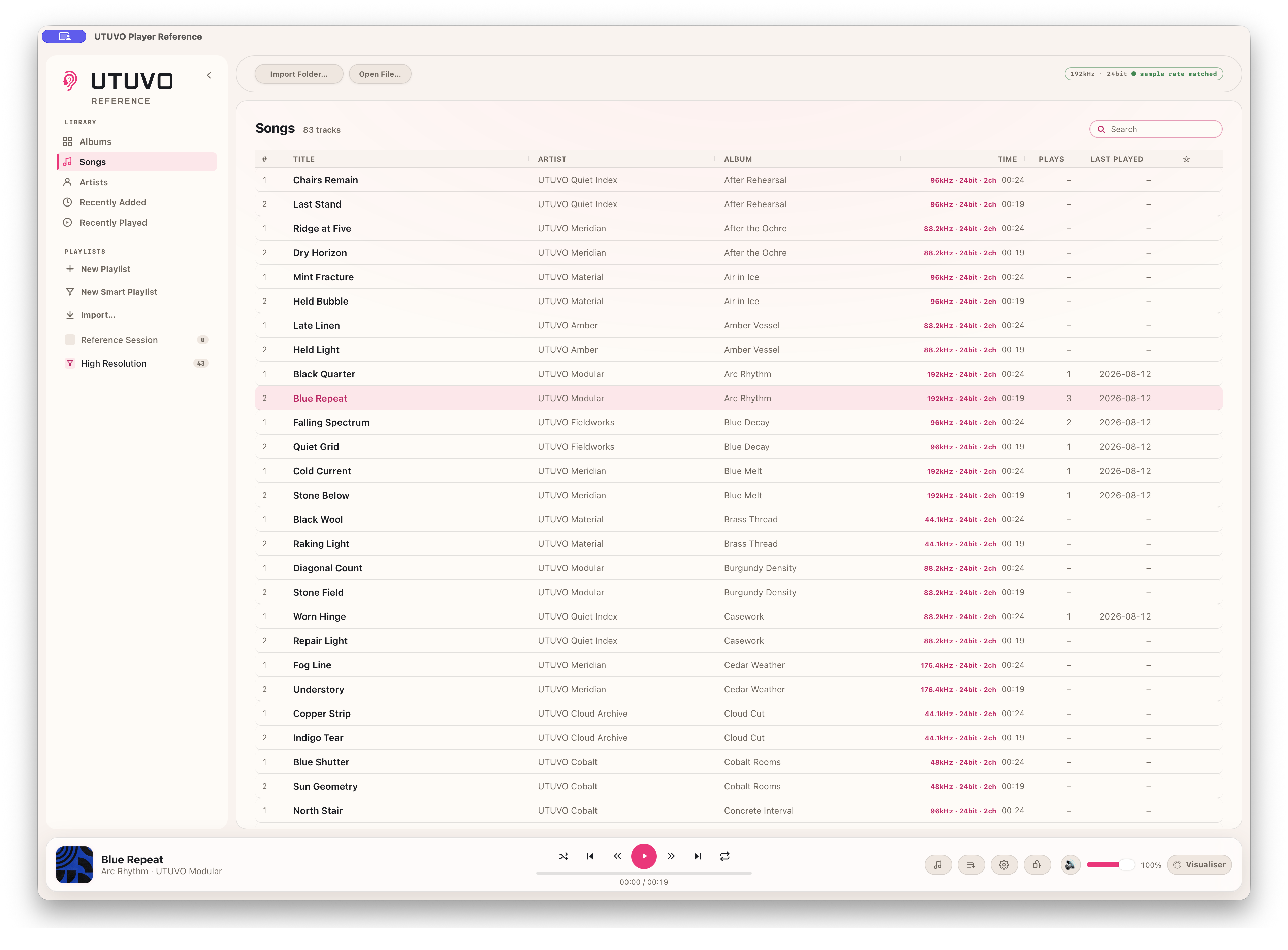
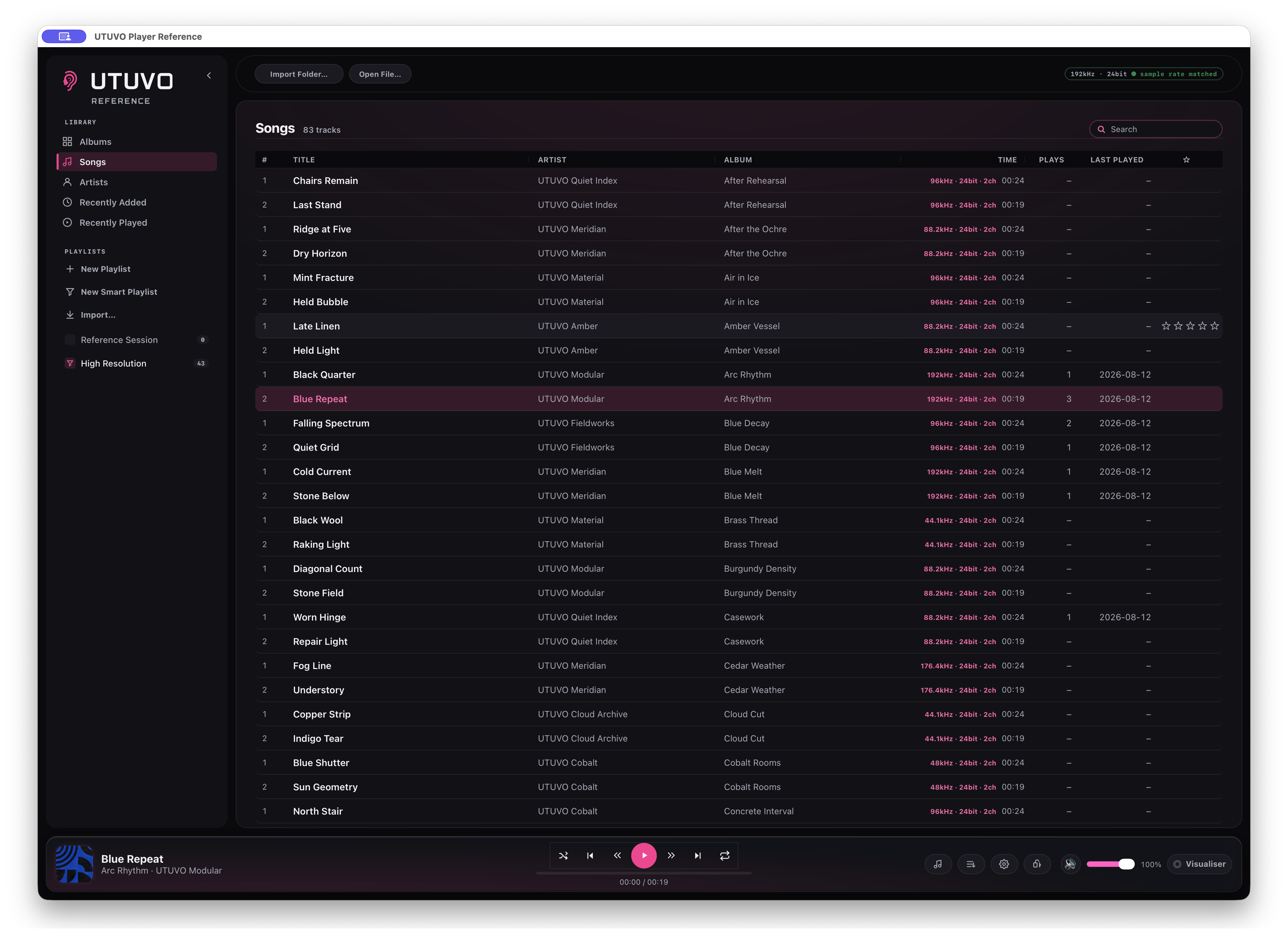
From a real local library to verified routing, multichannel rendering, headphone correction, DSD over a compatible DoP path, honest fallbacks, Now Playing and Mini Player.
Auto Sample Rate asks the output device to follow the file. The green result is a readback of the active route, not a copy of the preference.
Exclusive is separate. Reference shows Locked only after CoreAudio actually grants exclusive access.
Choose the fold for an output with too few channels. Spatial falls back to Binaural, then Downmix, when a route cannot start; each fallback keeps every channel represented.
LFE fold gain is visible. Auto Sample Rate and Exclusive remain independent switches.
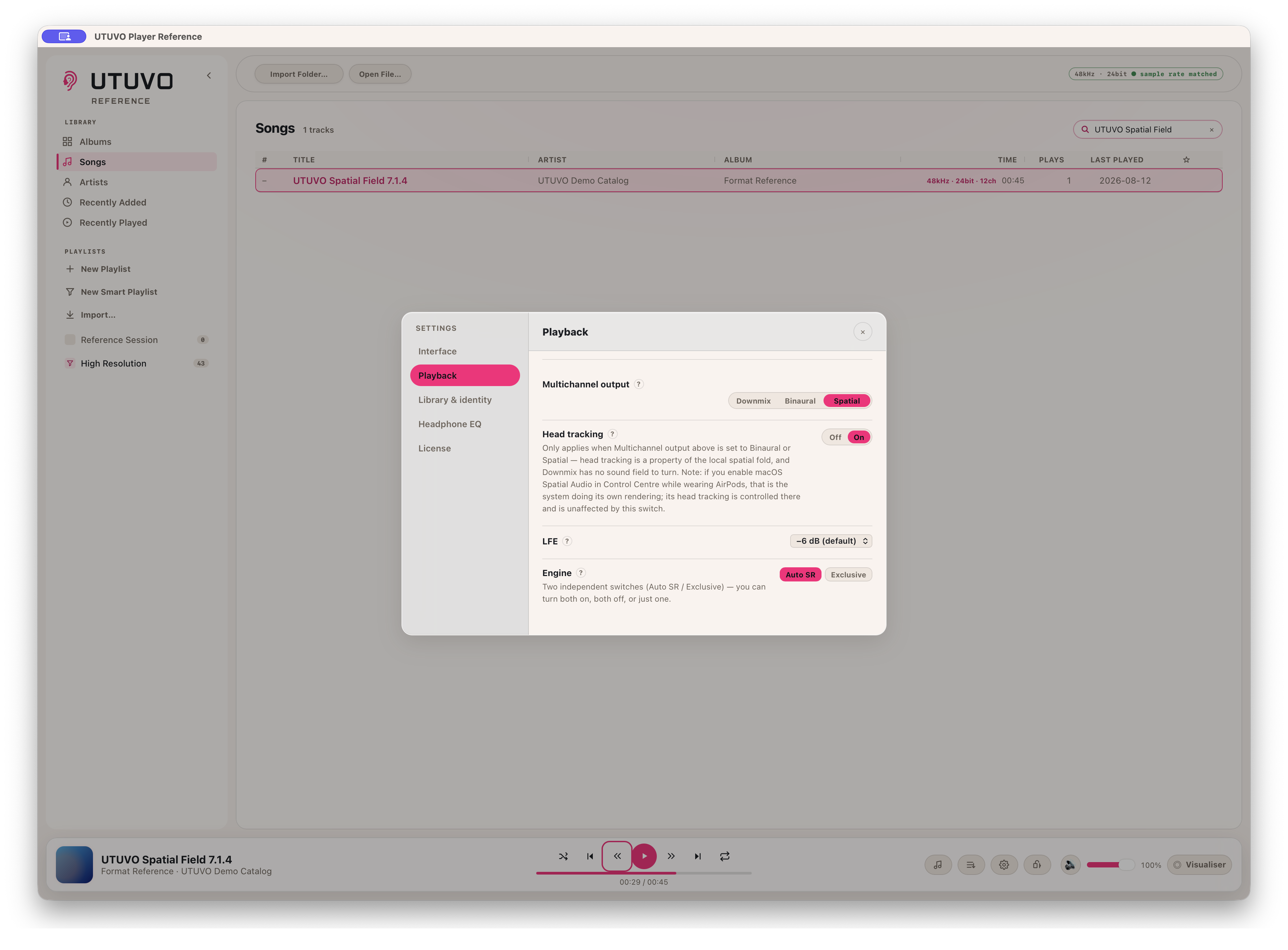
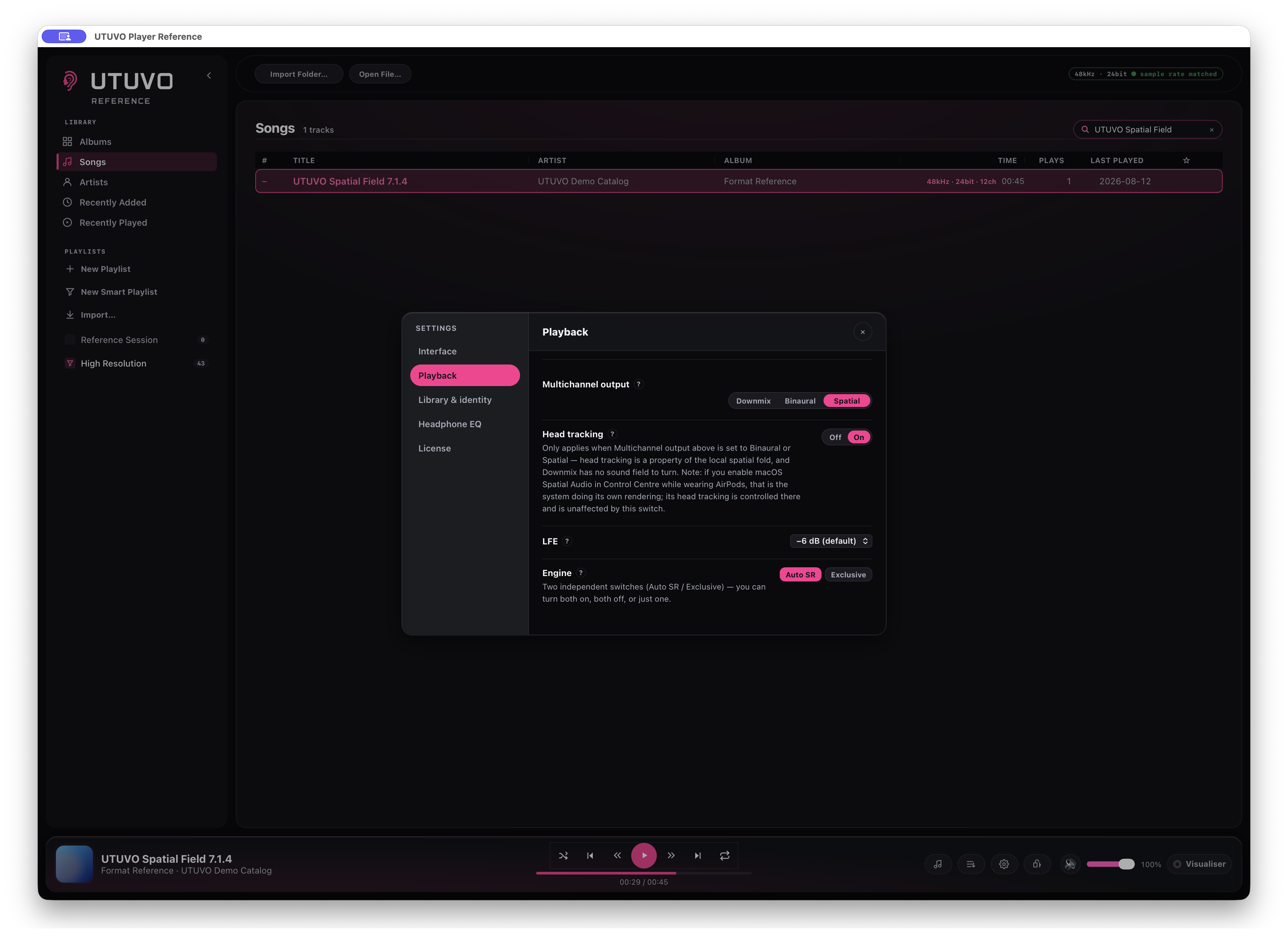
With a 12-channel master on a two-channel route, Reference reports `spatial · fixed` when spatial rendering is active but headphone motion is not. It does not turn an enabled preference into a false success badge.
With supported AirPods and a supported connection, head tracking keeps the field anchored in front of the screen. Tested by Micky on the shipping build; the published image deliberately shows the fixed fallback instead.
Player Reference reads real object positions from a compatible ADM BWF master containing chna and axml, then draws each named object in ADM Objects mode.
The 00:02 and 00:12 views below come from the same six-object master. Their changed positions are the time-varying coordinates the app actually read, not a composited animation. Ordinary EC-3 and channel-based surround are not treated as object data.
Same master. Positions read at two times.


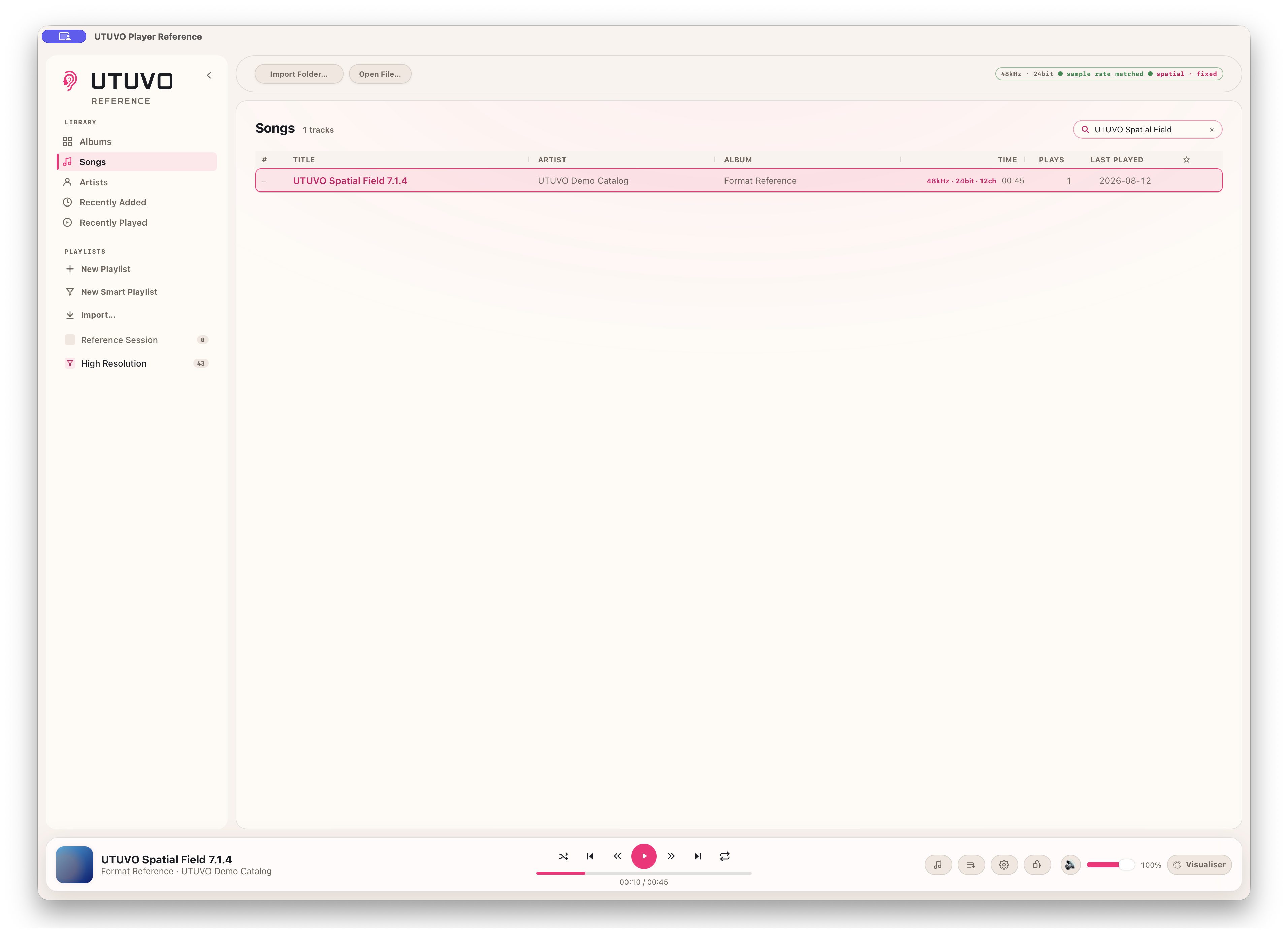
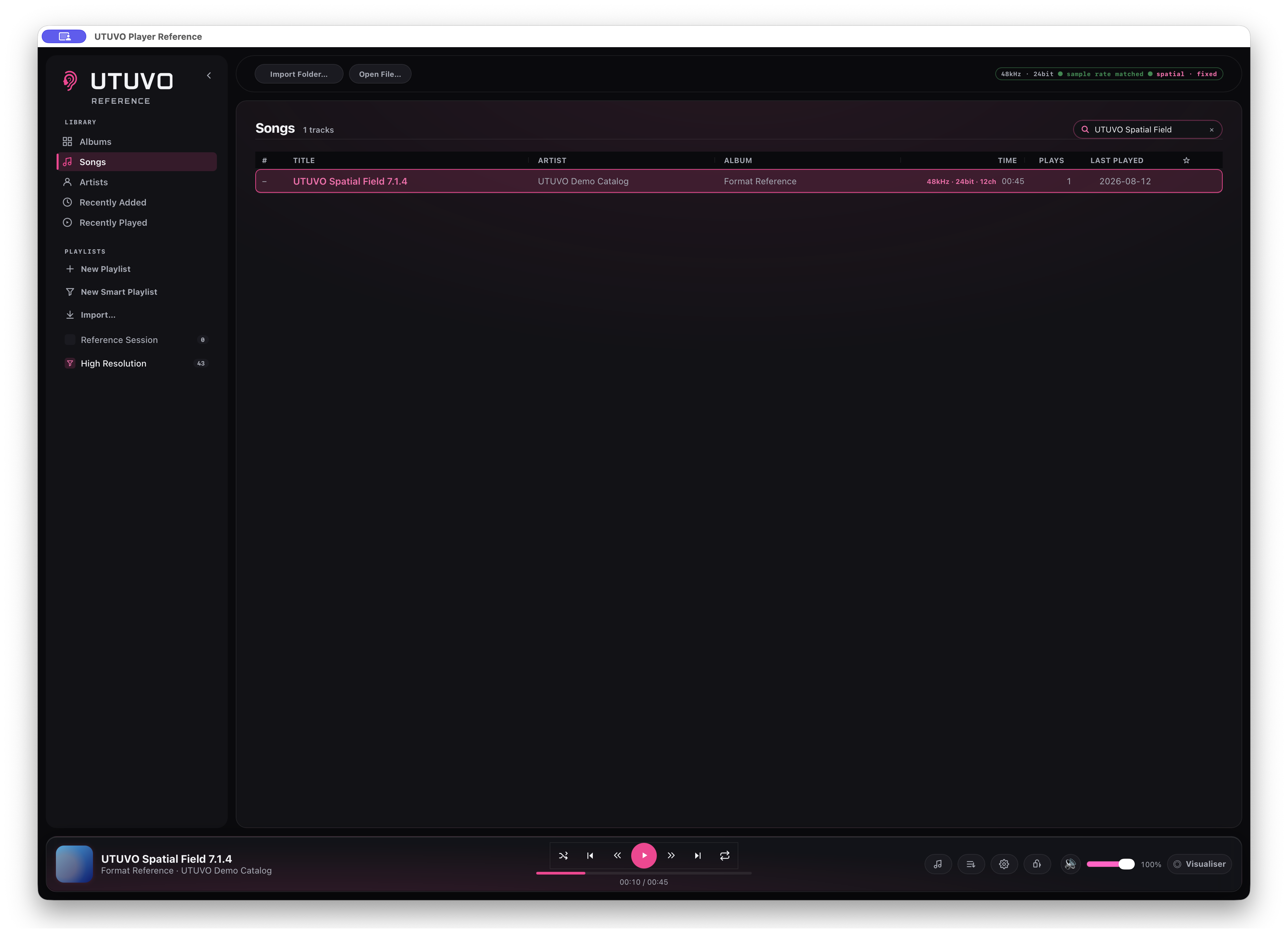
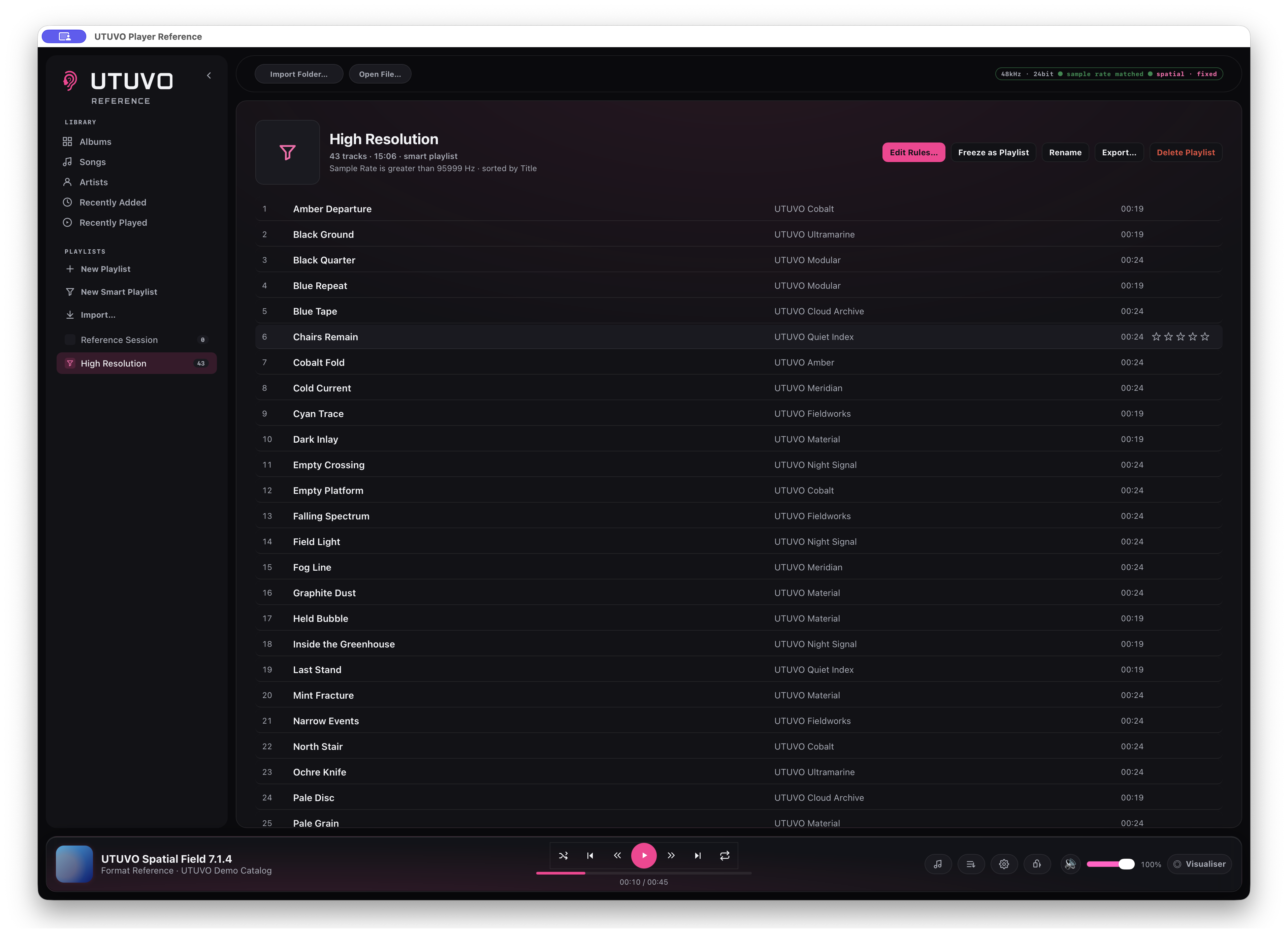
Search the whole library, move between albums, songs and artists, and return through Recently Added or Recently Played. Ratings, favourites, playlists and smart playlists stay attached to the library.
Delete and Backspace ask first. Removing a library entry does not delete the source audio file.
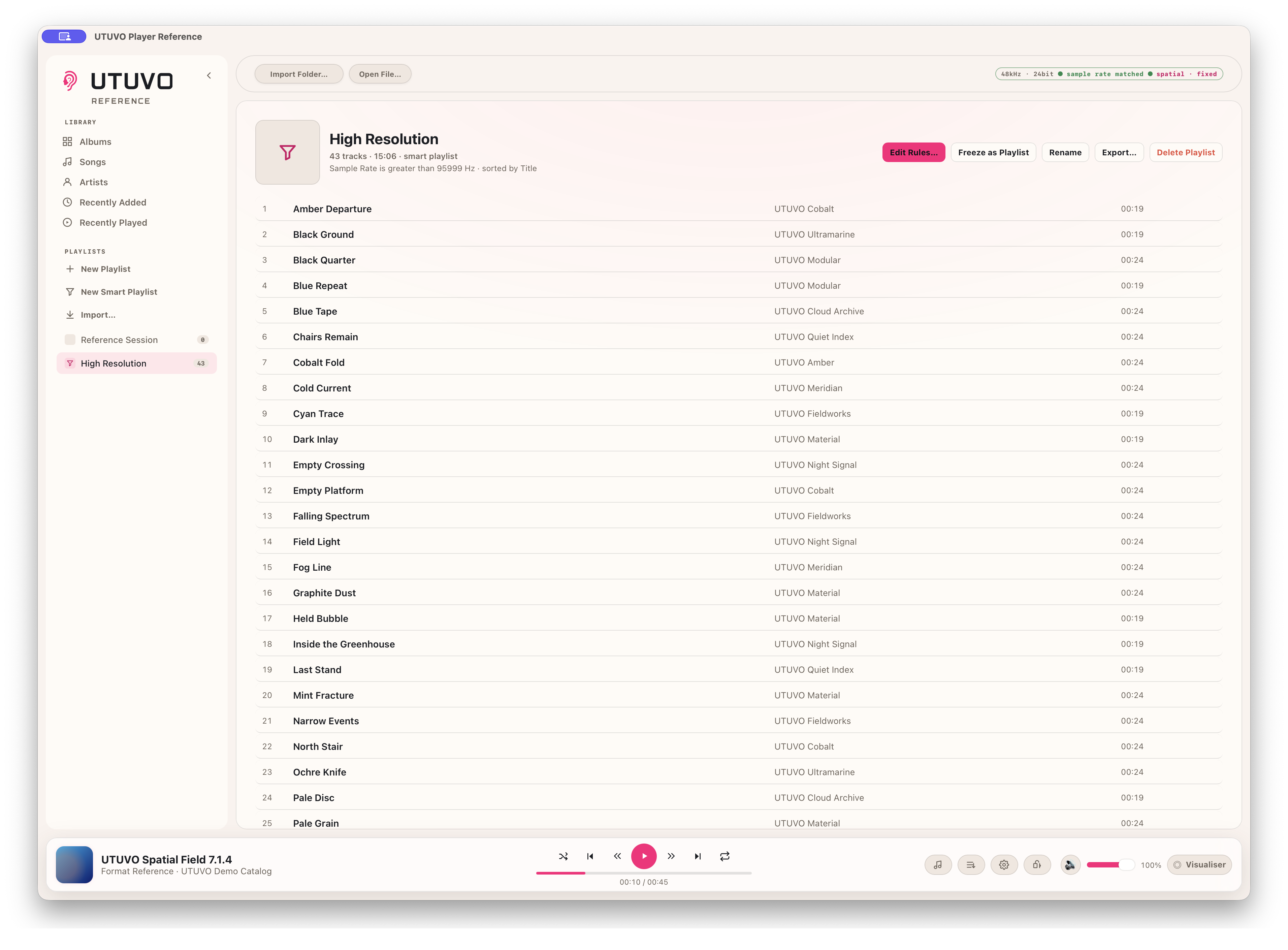
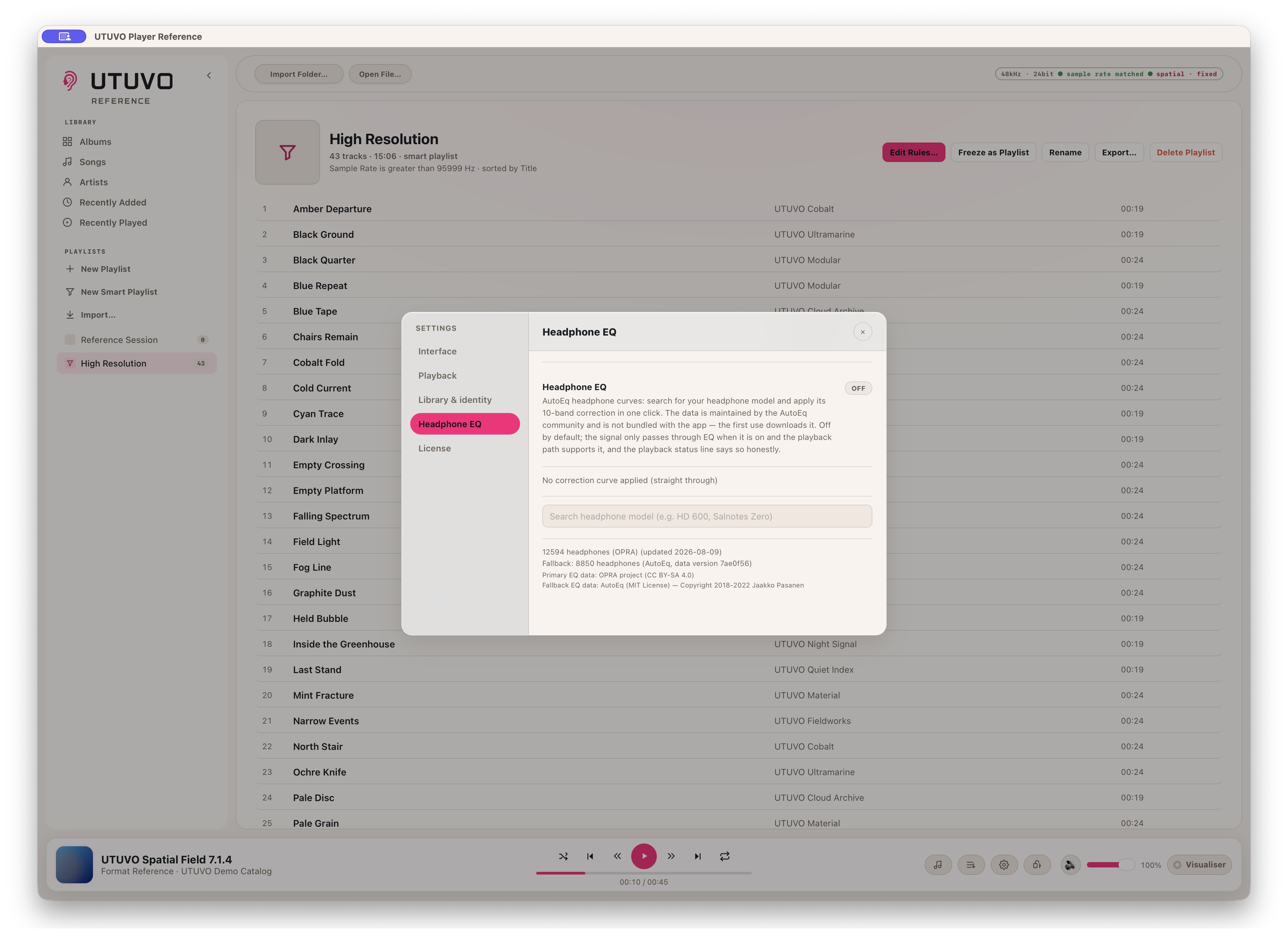
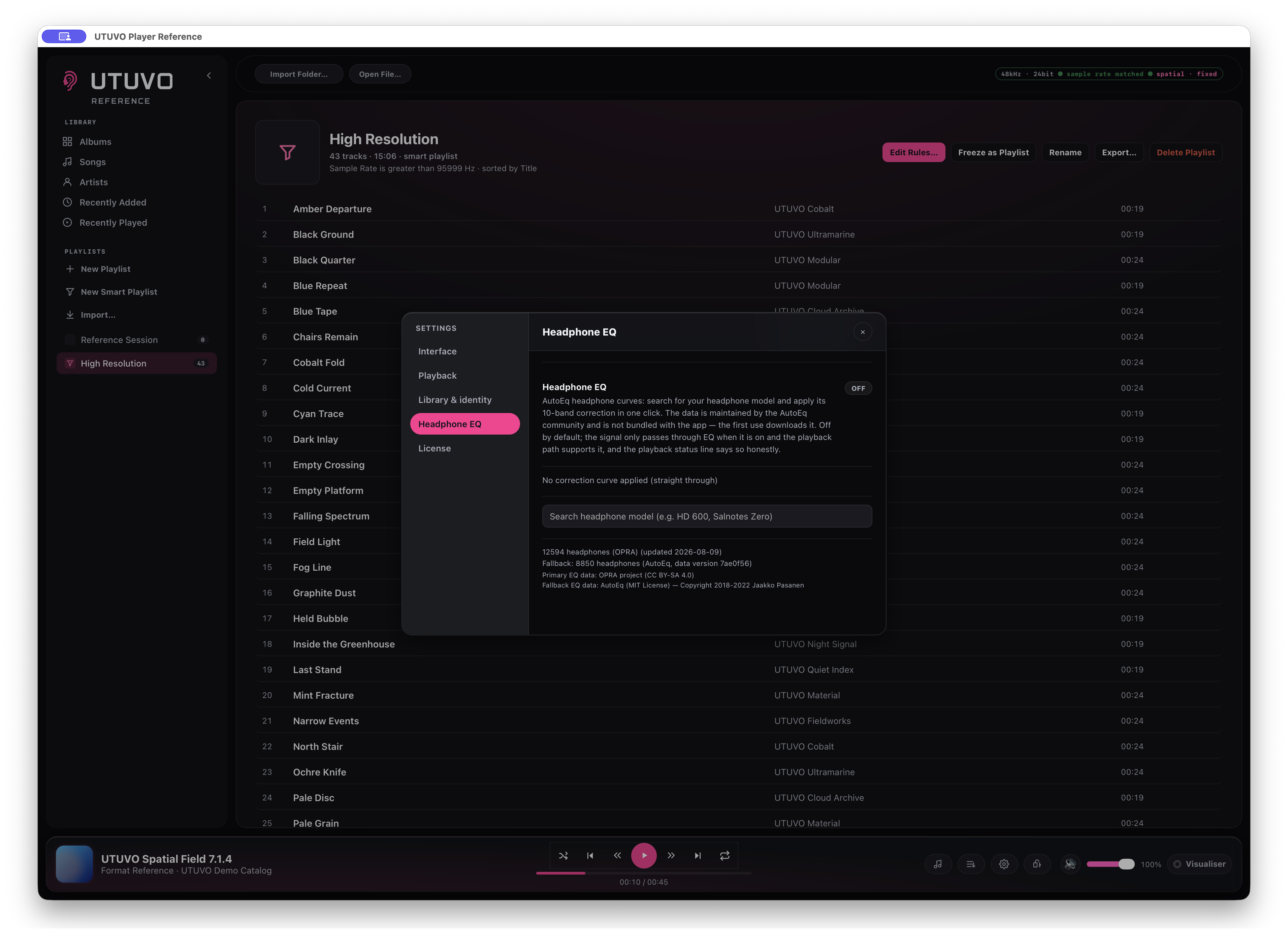
Headphone EQ starts off. Search for the model, inspect the available measurements and choose the one you want; Reference never silently applies a curve because two headphones share a name.
OPRA is the primary source, with AutoEq as fallback. Counts shown in the app are a release snapshot and will change as the datasets update.
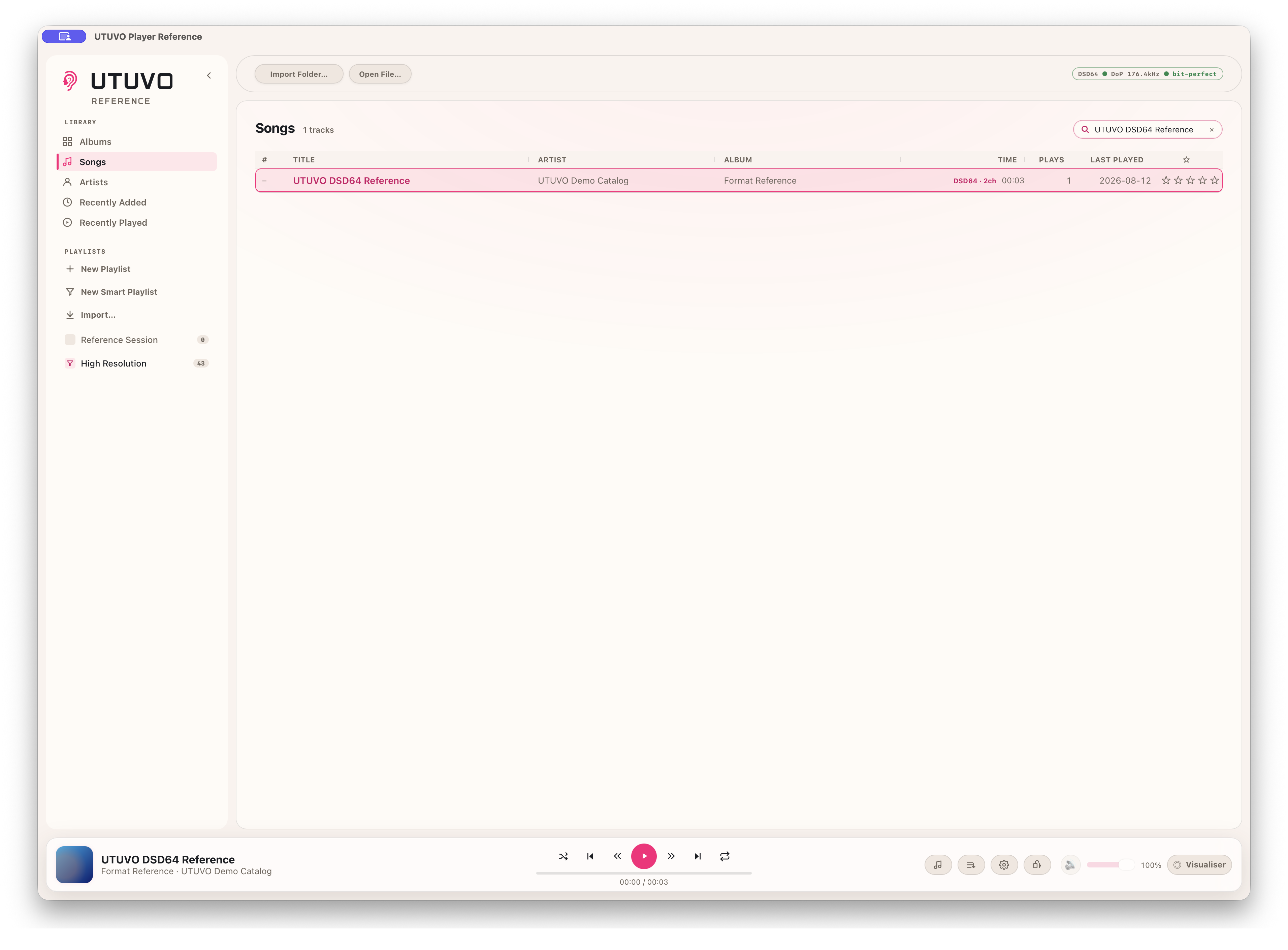
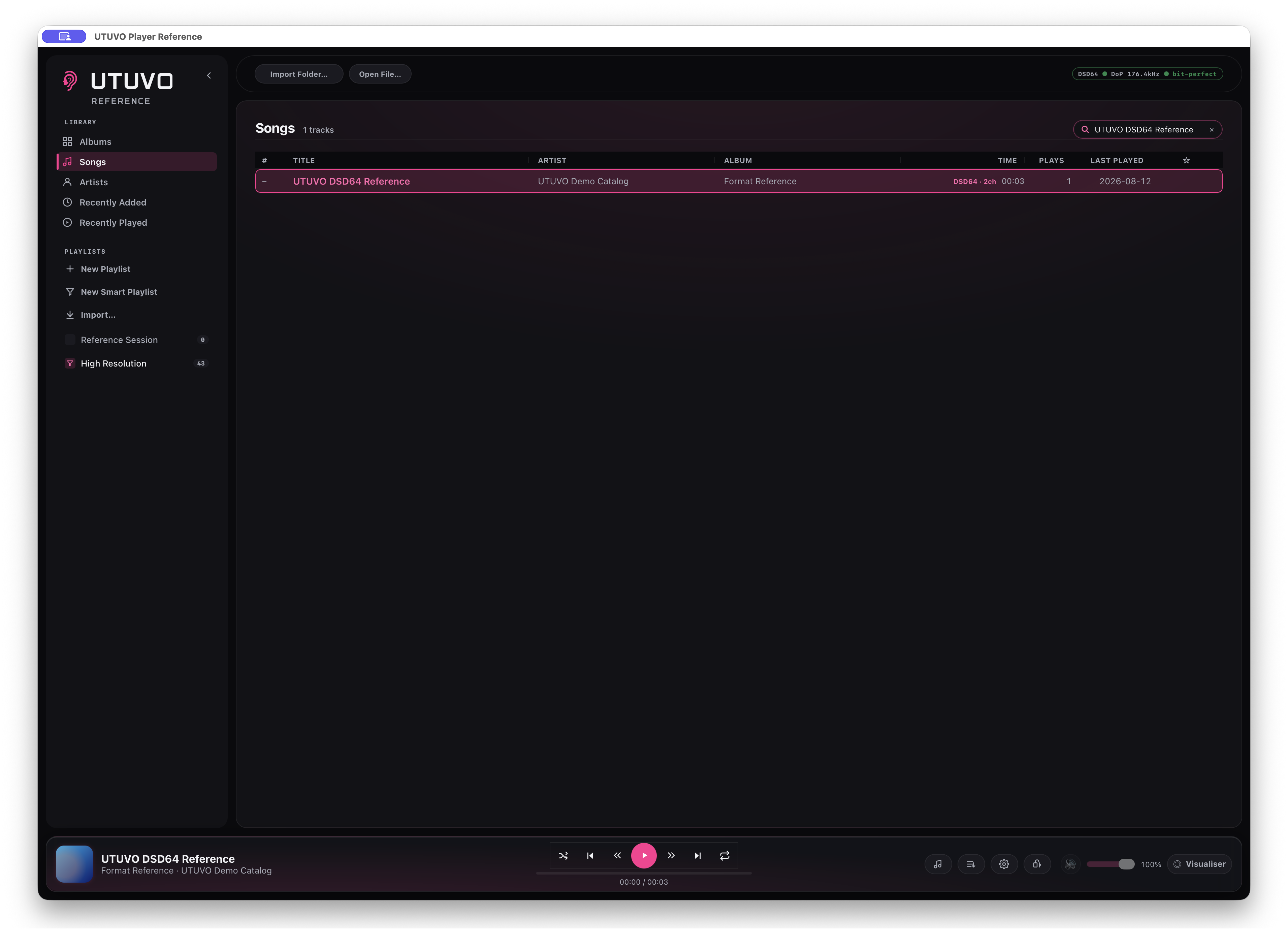
On a compatible DAC, Reference packs the DSD stream into DoP without turning it into floating-point PCM. The software volume and mute controls are disabled while the DAC owns level control.
The `bit-perfect` badge applies to this verified DSD/DoP wire path only. It is not a blanket claim about PCM playback.
Reference can recognise and play an EC-3 delivery, but it does not pretend that a channel-based stream contains ADM object coordinates. If the current route is resampling or surround is not unfolded, the status says exactly that.
Real object positions require a compatible ADM BWF master with chna and axml metadata.
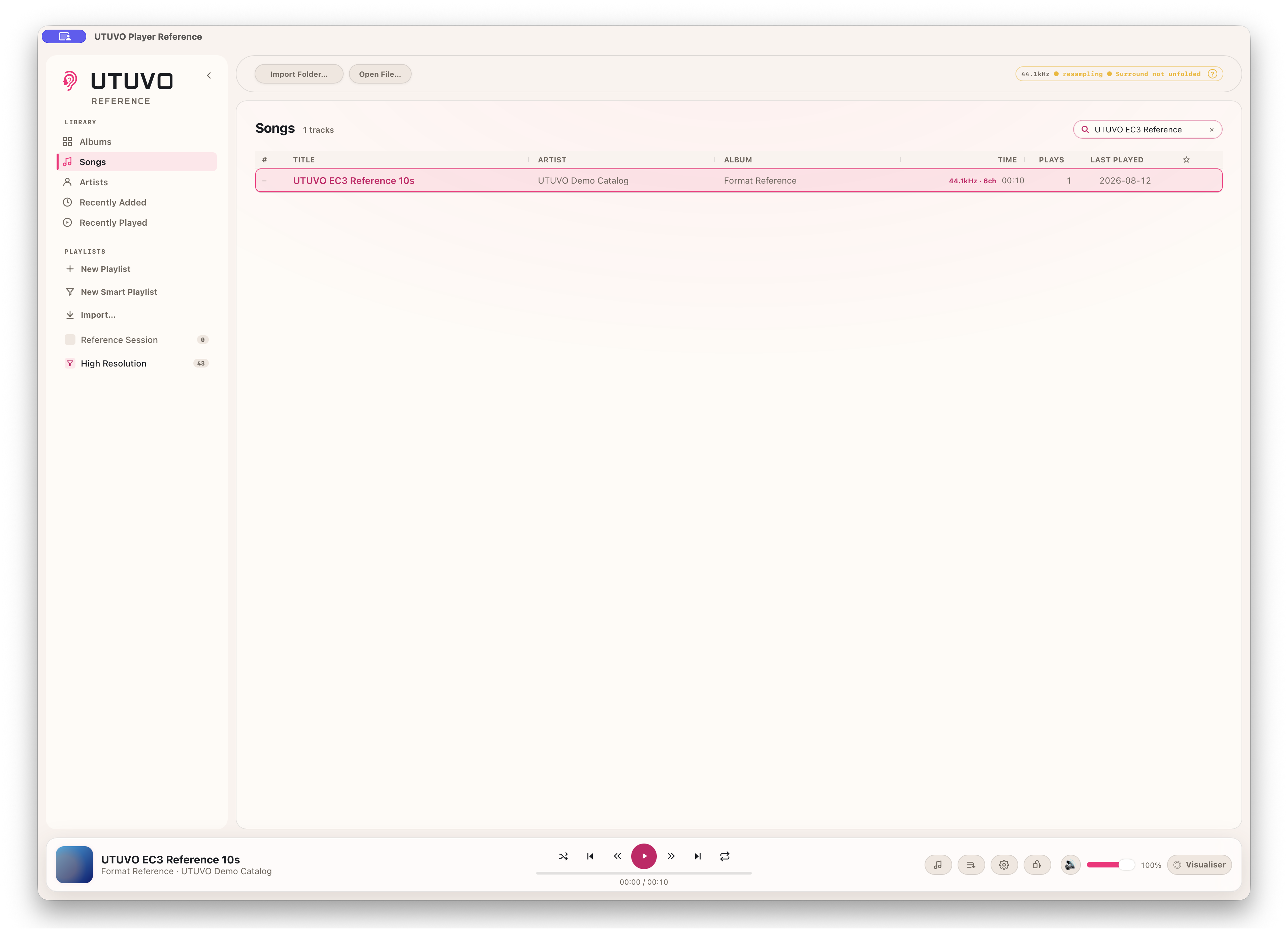
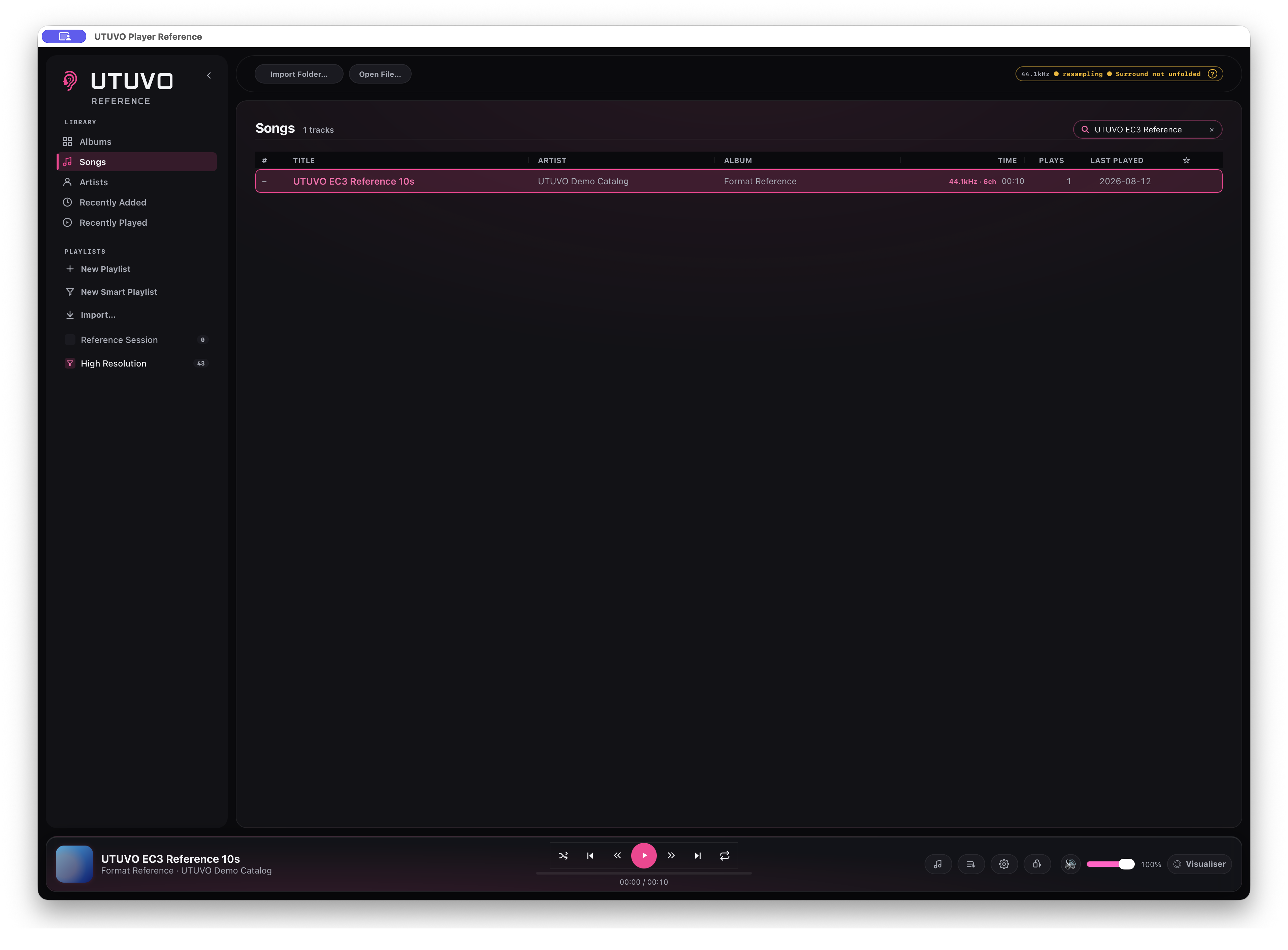
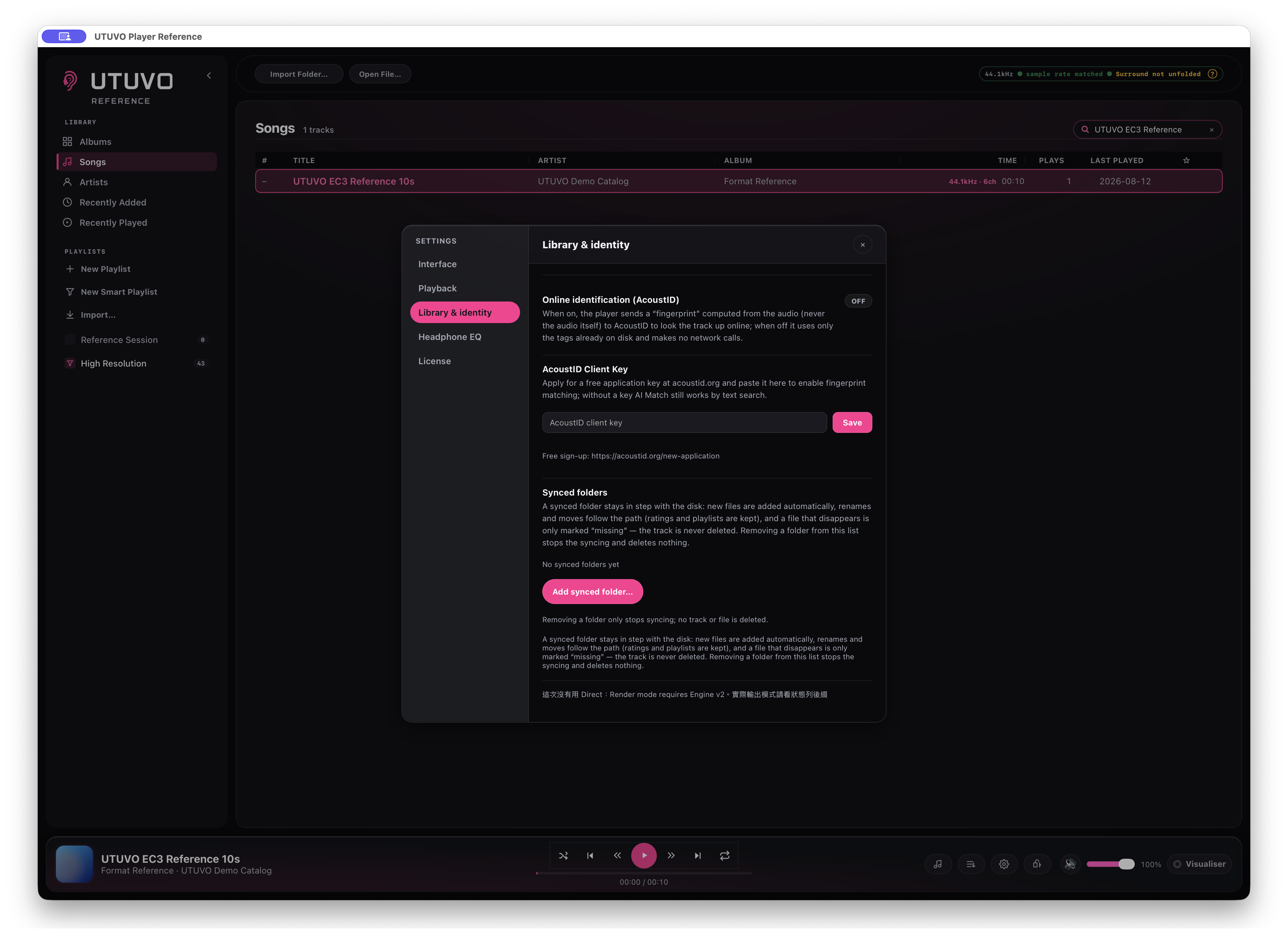
UTUVO Light, UTUVO Dark, Daylight, Midnight, Spotify Green, Ableton Grey, Graphite Teal and Apple Classic change the entire interface without moving the layout.
The interface and in-app manual are available in English, Traditional Chinese, Simplified Chinese, Japanese, Korean, German, French and Spanish.
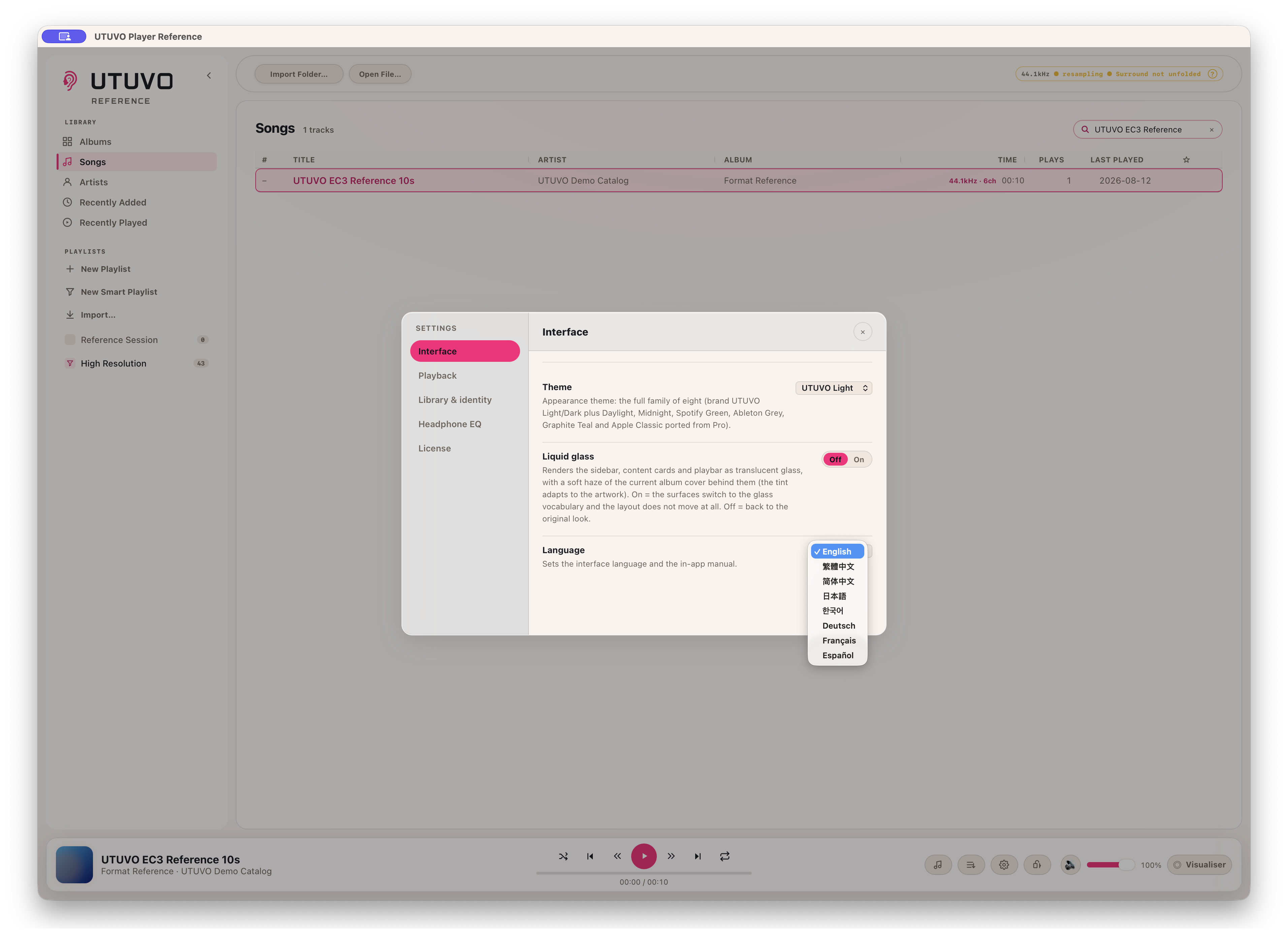
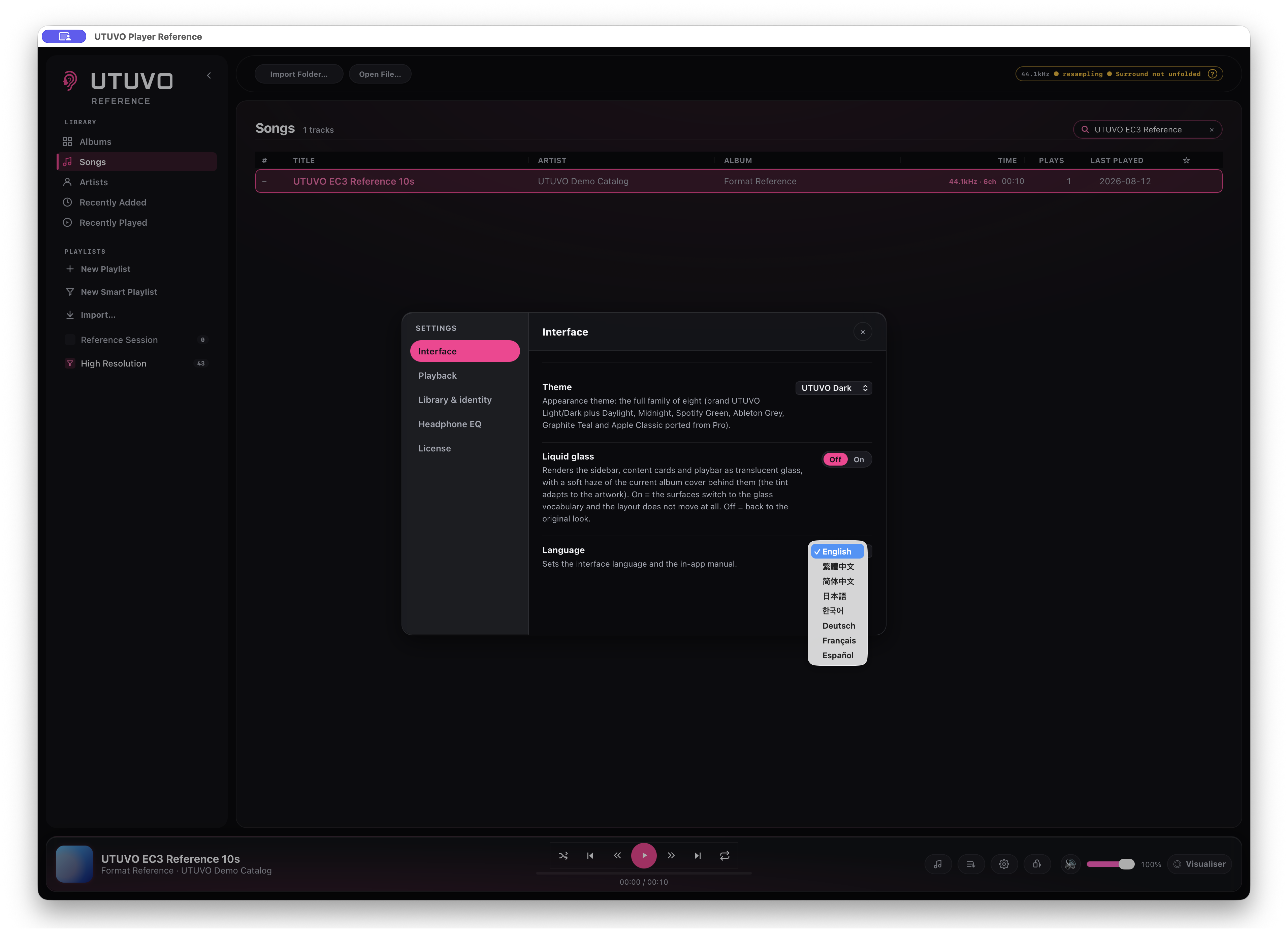
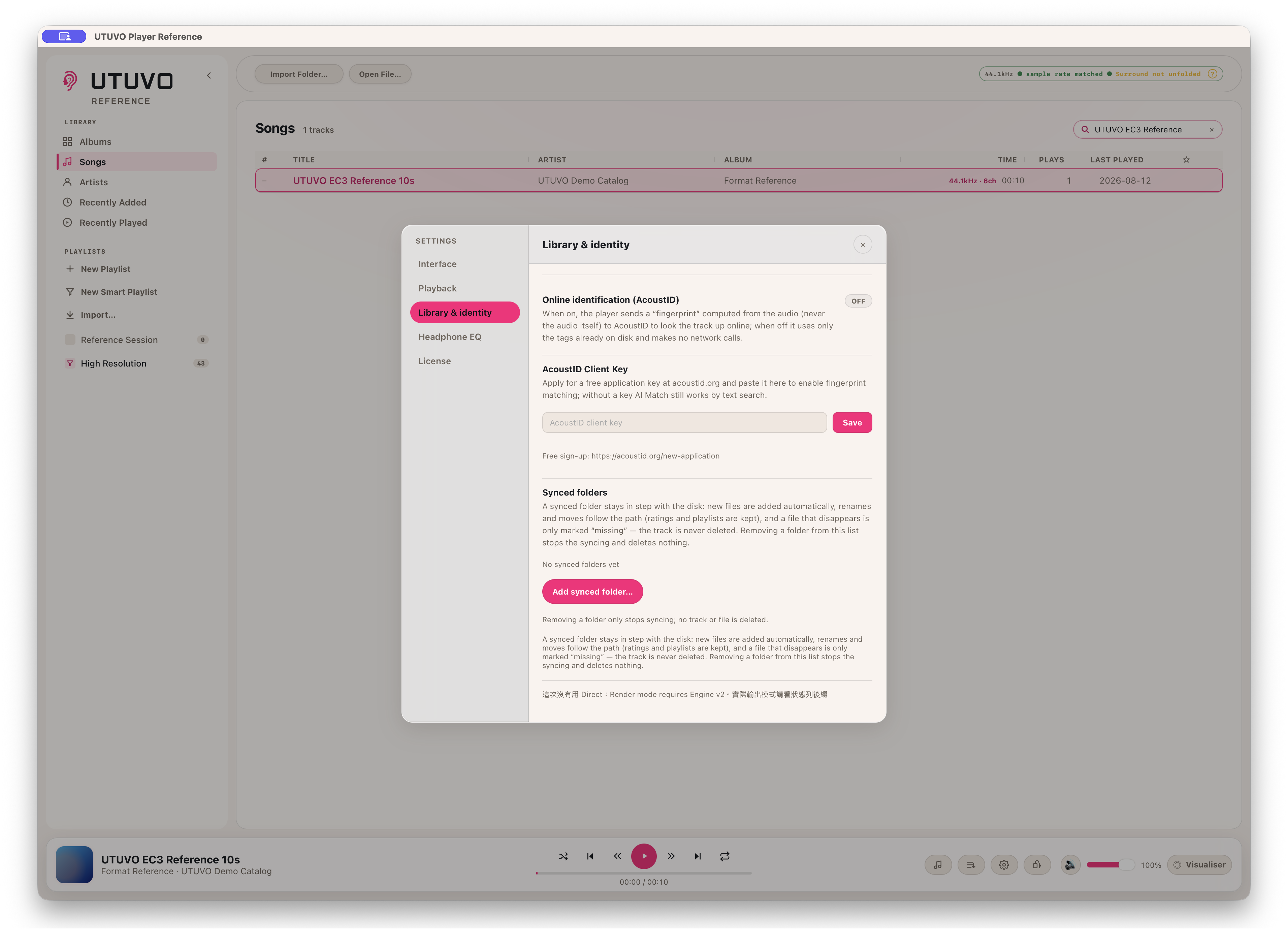
Music, library data, playlists and listening history stay on the Mac. AcoustID is off by default; if enabled, it sends an audio fingerprint for lookup, never the audio file itself.
Reference still connects for licence activation and periodic validation, and when the user chooses to download OPRA or AutoEq data. “Completely offline” is not an approved claim.


macOS 13.0 or later · Apple Silicon only · 30-day trial
f026c5a9a8bc40b430ecd384321ac201ca9dc10959ce7d9a6aaea9a087ea810fWAV, AIFF, FLAC, ALAC, M4A, MP4, MP3, DSF and DFF. Ogg and Opus import too, but playback depends on the macOS version: where the system lacks Ogg container support the track is refused at play time with a message that names the reason rather than failing quietly.
Neither. Player Ref plays the files you already own, from your own disks. It ships no content, has no store and no streaming account, and your library and audio stay on your machine.
You choose how it folds down (Downmix, Binaural or Spatial Audio), and the status line says which path is running. Channels are never dropped silently: if the chosen path is unavailable, the badge says so instead of playing fewer channels without telling you.
On a compatible DAC the DSD stream is packed into DoP rather than converted to floating-point PCM first. The bit-perfect badge refers to that verified DSD/DoP wire path only; it is not a blanket claim about every PCM playback path.
Download and open the app to evaluate all features for 30 days. No credit card or account is required. The trial does not turn into an automatic charge; purchasing is a separate decision.
It includes the major version you purchase and every update released within that major version. A future major version may be a separate optional one-time purchase or may be free. It is never charged automatically. If you buy within 30 calendar days before a new major becomes available, that new major is included at no charge.
Open the app on the old Mac, go to Settings and deactivate the licence there, then enter the same key on the new Mac. No email needed, and a licence covers 3 of your own Macs. Deactivate while the old Mac still has a network connection: if it is offline at that moment the app clears the licence locally but the seat can stay held on our side, and support@utuvo.app can release it for you.
The current download requires macOS 13.0 or later · Apple Silicon only. Apple Silicon only; no Intel or Windows build. Try it on your working Mac before deciding to buy.
The 30-day full-feature trial is for evaluation before purchase. The 14-calendar-day no-reason refund period begins separately on the purchase date, so trial days do not reduce it. After 14 days, a simple change of mind is generally not refundable, while transaction errors, activation failure, nonconformity and statutory remedies remain covered.
Email support@utuvo.app. Within 14 days of purchase you can request a full refund without giving a reason; include your order number or licence key, or use the link in your order confirmation email. For a product issue, include the app version, macOS version and steps to reproduce it.
No. After a paid licence is successfully activated, it continues to work offline on that device. A network or verification-service failure alone cannot deactivate it. If the verification service permanently ends, we will provide a free way for lawful perpetual-licence holders to continue using, reinstalling and activating on a replacement compatible Mac within their device count.
A comparison of manual, separate steps and this tool’s workflow. Other tools can also do these jobs.
| Without UTUVO | With UTUVO |
|---|---|
| Look for playback files across folders. | Browse your music in a local library. |
| Inspect file format information separately from playback. | Read file and playback information in the player. |
| Check output settings in another window. | Review output and render settings alongside listening. |
| Manage headphone correction outside the library player. | Use the supported headphone EQ workflow in the app. |
| Look up which playback paths a signal-path badge verifies. | See bounded verification: the DSD/DoP badge applies to that compatible wire path. |
UTUVO Player family
Two purpose-built Mac players for review and critical listening.
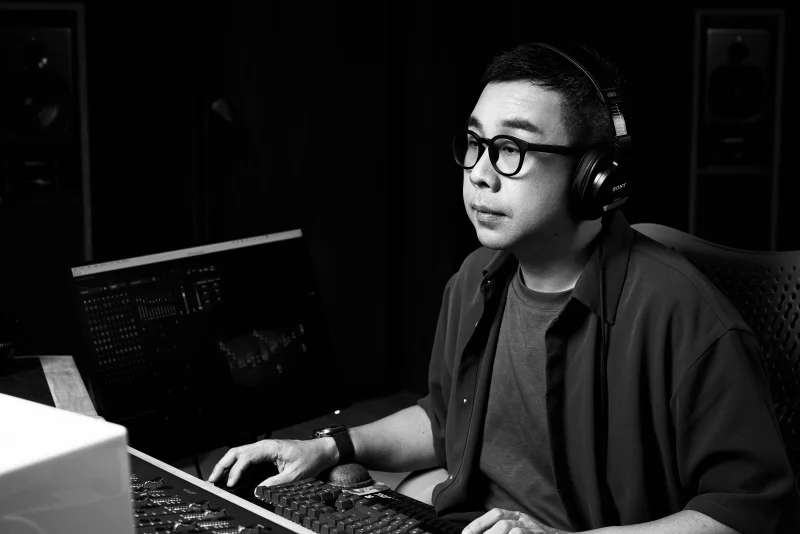
UTUVO is built by one person: Micky Yang.
He's a Tonmeister with 1,600+ Mandopop songs mixed in Dolby Atmos, four Golden Melody Awards for recording, and he teaches recording at university. Most tools are what engineers imagine recordists need. UTUVO is what a recordist built because he couldn't stand the existing ones.
 UTUVO Player Pro
 UTUVO Player Ref