Meter

UTUVO STUDIO SERIES

Loudness you can read at a glance.

BS.1770-5 and EBU R 128 loudness, true peak, PPM / VU / K-System, plus spectrum, vectorscope and sound stage. App for macOS, VST3, AU and AAX (Pro Tools not verified yet) plug-ins for the DAW.

Public beta 0.9.0-beta.12 · free

UTUVO Meter beta.12 loudness panel with Demo signalUTUVO Meter beta.12 loudness panel with Demo signal
beta.12 · built-in Demo signal.UTUVO Meter loudness panel in the dark skin, with integrated loudness, loudness range and true peak.
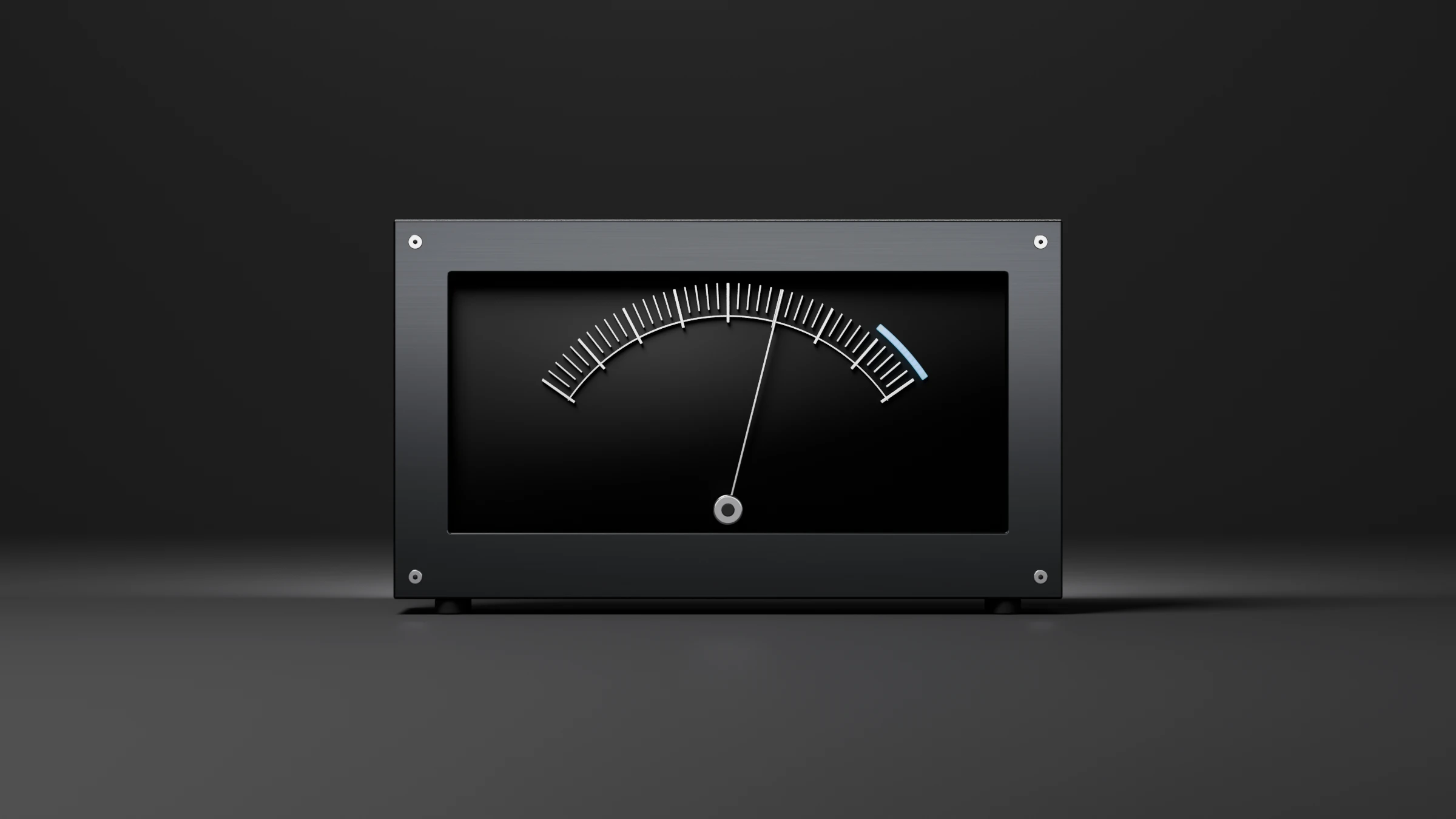
A machined front panel with a needle meter: an arc of aluminium ticks and a blue over-range zone.

Public beta 0.9.0-beta.12

Your meters. Your Board.

Start from a factory layout for loudness QC, stereo mastering, immersive 7.1.4, broadcast or stems. Add from 19 modules, move and resize cards, then save your own preset. The built-in Demo lets you practise before connecting a source.

Meter beta.12 Board with built-in 7.1.4 Demo signal
  • Five workspaces: Loudness, Levels, Measure, Files and Board.
  • UTUVO Connect sends master or stem measurements from the DAW into Meter. Choose Master / Stem roles and match the bus format to the session.
  • beta.12 packages Meter and Connect in VST3, AU and AAX formats. AAX is included, but Pro Tools has not been verified yet.

Getting started

From the first signal to a useful setup.

A narrated walkthrough in English, with English subtitles. The voice-over is AI-generated.

Recorded App screens and built-in Demo signals. File-analysis examples use synthetic test audio.
  1. Press Demo to practise with the built-in 7.1.4 signal. No interface or DAW is needed.
  2. Read Integrated and True Peak, choose a target, then reset before each new programme. PASS / FAIL compares the measurement with the selected target.
  3. Use Open for audio files, or choose an input in Settings for live measurement. System-output capture requires macOS 14.2 or later.
  4. Choose a Board preset, add modules and arrange the cards. Save an edited layout as your own preset; factory layouts stay intact.
  5. Insert UTUVO Connect on the DAW master or stems, set the role, then select Connect · Master in Meter. Files supports batch analysis; Snapshot and Export preserve results.

Loudness and true peak

Integrated against the platform target with PASS / FAIL; short-term, momentary, true peak, LRA, PLR and Leq sit beside it.

The big number is Integrated against the platform target with PASS / FAIL; short-term, momentary, true peak, LRA, PLR and Leq sit beside it.

UTUVO Meter loudness panel: integrated loudness, loudness range and true peakUTUVO Meter loudness panel: integrated loudness, loudness range and true peak
UTUVO Meter loudness panel: integrated loudness, loudness range and true peak

Integrated against the platform target with PASS / FAIL; short-term, momentary, true peak, LRA, PLR and Leq sit beside it.

  • Integrated, momentary, short-term loudness, LRA and true peak.
  • ITU-R BS.1770-5 and EBU R 128 are the only standards named on this page.

Input and channels

Settings › Input picks any CoreAudio device and how many channels to meter.

Settings › Input picks any CoreAudio device and how many channels to meter.

UTUVO Meter Measure view showing channel routing for a 7.1.4 Atmos inputUTUVO Meter Measure view showing channel routing for a 7.1.4 Atmos input
UTUVO Meter Measure view showing channel routing for a 7.1.4 Atmos input

Settings › Input picks any CoreAudio device and how many channels to meter.

  • Route Apple Music’s Atmos to your interface and it reads the 12-channel bed.
  • Real-time spectrum, vectorscope and sound-stage plot live alongside.

Spectrum and vector

Spectrum and vector, rainbow or one colour.

FFT / RTA / spectrogram / wave; vectorscope and a per-channel field. Settings › Colour: Neutral, Mono (your colour) or Rainbow.

UTUVO Meter spectrum and vectorscope, rainbow colourUTUVO Meter spectrum and vectorscope, rainbow colour
UTUVO Meter spectrum and vectorscope, rainbow colour

Spectrum and vector, rainbow or one colour.

  • Spectrum, vectorscope and sound-stage plot in one view.
  • Pick Neutral, Mono or Rainbow from Settings › Colour.

PPM, VU and K-System meters

Reference meters modelled on PPM, VU and K-System scales.

Levels adds peak, RMS and K-System metering modelled on the reference scales. The four dark skins and four matching light skins keep the meters readable in any session.

UTUVO Meter Levels panel showing PPM, VU and K-System barsUTUVO Meter Levels panel showing PPM, VU and K-System bars
UTUVO Meter Levels panel showing PPM, VU and K-System bars

Reference meters modelled on PPM, VU and K-System scales.

  • PPM, VU and K-System meters are modelled on the reference scales.
  • Four dark skins and four matching light skins for the loudness panel.

True Peak popout

True Peak in its own window, for the close read.

True Peak can be popped out into its own window so the engineer reads dBTP headroom without losing the rest of the loudness panel.

UTUVO Meter True Peak popout window showing dBTP headroomUTUVO Meter True Peak popout window showing dBTP headroom
UTUVO Meter True Peak popout window showing dBTP headroom

True Peak in its own window, for the close read.

  • Popout preserves the loudness panel layout underneath.

Four dark skins for the loudness panel

Four dark skins (Panel, Bars, Radar, Navy), plus four matching light skins.

Four dark skins for the loudness panel ship in the Meter app, and four matching light skins keep the meters readable in any session.

Panel dark skinBars dark skinRadar dark skinNavy dark skin
Four dark skins for the UTUVO Meter loudness panel: Panel, Bars, Radar and Navy

Four dark skins (Panel, Bars, Radar, Navy), plus four matching light skins.

  • Panel, Bars, Radar and Navy: four dark skins for the loudness panel.
  • Four matching light skins ship alongside.

VST3, AU and AAX (Pro Tools not verified yet) inside the DAW

Reaper, AU 5.1: the Meter plug-in running in the DAW.

The Meter plug-in (VST3 / AU) reports Loudness and Levels on the DAW track. The Meter app adds Measure and Files for standalone work. Connect adds Master / Stem signal routing into the standalone Board.

Reaper running the UTUVO Meter AU plug-in on a 5.1 (six-channel) session at 48 kHzReaper running the UTUVO Meter AU plug-in on a 5.1 (six-channel) session at 48 kHz
Reaper running the UTUVO Meter AU plug-in on a 5.1 (six-channel) session at 48 kHz

Reaper, AU 5.1: the Meter plug-in running in the DAW.

  • VST3, AU and AAX (Pro Tools not verified yet) plug-ins report Loudness and Levels on the DAW track.
  • The Meter app adds Measure and Files for standalone work.

Requirements and install notes

PlatformUniversal (Apple Silicon and Intel)
macOSmacOS 13 or later
InstallerOne PKG: the Meter app plus VST3, AU and AAX plug-ins (Meter and Connect)
Plug-in formatsVST3, AU and AAX (Pro Tools not verified yet)

Install

  1. Open the downloaded PKG and follow the macOS installer. It installs UTUVO Meter in Applications and the Meter / Connect plug-ins in VST3, AU and AAX formats.
  2. Finish installing the plug-ins, then restart your DAW. AAX is included, but Pro Tools has not been verified yet.
  3. Restart Logic once. The first launch asks for microphone access for the input path; nothing is recorded.

Caveats

  • PPM, VU and SPL meters are modelled on the reference scales.
  • AAX is included in beta.12, but Pro Tools has not been verified yet. Do not rely on it in Pro Tools sessions.
  • Windows is not built yet.

Public beta · download and test.

  • Public beta 0.9.0-beta.12, free. Universal (Apple Silicon and Intel), macOS 13 or later.
  • One PKG installs the Meter app plus the VST3, AU and AAX plug-ins. AAX is included, but Pro Tools has not been verified yet.
  • Send feedback and bug reports to [email protected] with the product name in the subject.

Frequently asked questions

Is UTUVO Meter free?

Yes. UTUVO Meter is free.

Can I download UTUVO Meter?

Yes. UTUVO Meter 0.9.0-beta.12 is a public beta. Download the installer from this page or the Downloads page. Send feedback to [email protected].

Does Meter run as a plug-in inside the DAW?

Yes. VST3, AU and AAX (Pro Tools not verified yet) plug-ins report Loudness and Levels on the DAW track. The Meter app adds Measure and Files for standalone work.

What is the AAX / Pro Tools and Windows status?

beta.12 includes AAX, but Pro Tools has not been verified yet. Windows is not available.

Type to search UTUVO.

Try searching